

How to Set Up Real-Time Translation at Your Church, Conference or Event
Whether you're hosting a Sunday sermon, an international business conference, or a community event with attendees from across the globe, one challenge keeps coming up: not everyone in the room speaks the same language.
Traditionally, solving that problem meant hiring professional interpreters, renting bulky audio equipment, and coordinating a logistical operation that could cost thousands of dollars before a single word was spoken. For many churches, small businesses, and community organisations, that cost is simply out of reach.
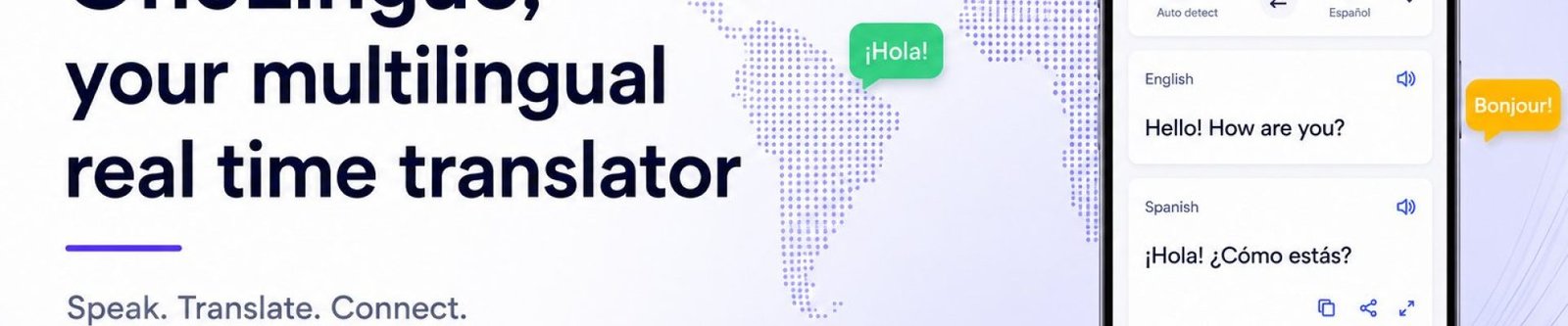
That's exactly why OneLinguo was built. OneLinguo is a real-time multilingual translation platform that lets any event — big or small, anywhere in the world — stream live audio in 100+ languages, instantly, from any device. No interpreters. No equipment hire. No language barriers.
In this guide, we'll walk you through exactly how OneLinguo works, who it's for, and how you can get set up in just a few minutes.
Why live translation has changed forever
For decades, multilingual events relied on a tried-and-true (but expensive and cumbersome) formula: human interpreters sitting in soundproofed booths, whispering translations into microphones, while attendees tuned in via rented headsets. It worked — but it was slow to set up, expensive to run, and completely impractical for smaller organisations.
The rise of AI-powered speech processing and cloud streaming has changed all of that. Today, platforms like OneLinguo can process live audio in real time and deliver translated streams to hundreds — or thousands — of attendees simultaneously, each listening in their own preferred language, on their own smartphone.
The result is a more inclusive, more accessible event experience — at a fraction of the traditional cost.
Who is OneLinguo for?
OneLinguo was designed to serve any organisation that communicates with a multilingual audience. Here are the most common use cases:
Deliver sermons, Bible studies, and services to congregations who speak different languages — all in real time.
Give international delegates the ability to follow presentations and panels in their native language.
Ensure every member of your community feels included, regardless of the language they speak at home.
Facilitate multilingual all-hands meetings, training sessions, and global town halls without interpreter costs.
Whether you're a small local church or a global NGO running events across three continents, OneLinguo scales to meet your needs.
How OneLinguo works — step by step
One of the biggest selling points of OneLinguo is how simple it is to get up and running. There's no software to install, no specialist hardware to rent, and no IT team required. Here's how a typical session works from start to finish:
-
Create your session The OneLinguo team sets up the event, assigns an admin, and configures the languages needed. This takes just a few minutes and can be done well ahead of your event date.
-
Share the access link Once the session is created, your attendees receive a simple link — via email, SMS, or displayed on screen at the event. They click it, sign up, and select the event. No app download required on most devices.
-
Go live When the event begins, the admin starts the OneLinguo session. Attendees join, choose their preferred language from the 100+ available, and listen to a real-time translated audio stream through their own earphones. The experience is seamless and uninterrupted.
See OneLinguo in action
See our promotional video and discover how OneLinguo is transforming the way the world communicates at live events..
OneLinguo vs traditional interpretation: a real comparison
Still wondering whether OneLinguo is the right fit compared to hiring a traditional interpreter? Here's how the two approaches stack up in practice.
Traditional interpretation typically requires booking certified interpreters (often weeks in advance), renting audio distribution equipment, coordinating booth setup and sound checks, and paying per interpreter per language — meaning a three-language event might cost upwards of $3,000–$5,000 before you've even opened the doors.
OneLinguo flips that model entirely. You pay per session, not per interpreter. You add languages for a flat $12 each. You set everything up in minutes, not days. And your attendees join from their own phones — no equipment, no headsets, no logistics.
For organisations running regular multilingual events — weekly church services, monthly community meetings, quarterly conferences — the cost savings with OneLinguo over a full year are significant.
Getting the best results with OneLinguo
OneLinguo is designed to be simple, but a few best practices will help you get the most out of every session.
Ensure your speaker's microphone input is clean and clear — OneLinguo's translation engine works best with a strong, clear audio source. A lapel mic or a dedicated conference microphone will always outperform a built-in laptop mic.
Share the attendee link in advance where possible. Giving your audience a few minutes to sign up and select their language before the session starts means everyone is ready to go the moment you hit live.
Take advantage of OneLinguo's free first 60 minutes. If you're running a regular weekly service or meeting, a large portion of your content is covered at no cost every single session.
And if you're running a larger or more complex event, the OneLinguo team is available to help you configure and prepare — just reach out through the contact form on the OneLinguo website.
Frequently asked questions
Do attendees need to download an app to use OneLinguo?
No. OneLinguo is cross-platform and accessible from any modern browser on mobile, tablet, or desktop. Attendees simply follow the link they've been given, sign up, and they're in.
How many languages can OneLinguo support in a single session?
OneLinguo supports 100+ languages globally. You can add as many languages as your event requires — each additional language beyond the first is just A$12 per session.
Is there a limit on how many attendees can join?
No. OneLinguo is built to scale from intimate gatherings to large global events with unlimited participants — at no extra cost for additional attendees.
Does OneLinguo work for online or hybrid events?
Absolutely. Since OneLinguo is entirely cloud-based, it works just as well for fully remote events and hybrid formats as it does for in-person gatherings.
What kind of support does OneLinguo provide?
OneLinguo offers 24/7 support to all users. For larger or more complex events, the team can assist with session configuration and setup ahead of your event.
Ready to break the language barrier at your next event?
There's no reason language should stand between your message and your audience. With OneLinguo, real-time multilingual translation is no longer a luxury reserved for large organisations with big budgets — it's an accessible, affordable tool for any church, conference, or community event, anywhere in the world.
The first 60 minutes are free. Getting started takes minutes. And your audience — wherever they are, whatever language they speak — will thank you for it.
Get started with OneLinguo today
Talk to the OneLinguo team about your next event. No commitment, no setup fee — just real-time translation that works.
Contact OneLinguo →Take OneLinguo anywhere you go
Download the OneLinguo app for a smoother, faster experience at your next sermon, conference or event — free to download, available on iPhone and Android.
Prefer the browser? OneLinguo also works from any device with no app required →